AlphaSure Ltd. 41 Walpole Road London E18 2LN United Kingdom

|
 |

|

|
 |
| Definitive Guide To setup Retrospect and a Host and Client PC with Windows XP Service Pack 2. Getting the "Can't access volume xxxxxx, error -530 (backup client not found)" error message.
Follow these instructions when you get a "Client not found" message from Retrospect 6.5.
It assumes that you have Windows XP SP2 on both client and host with backup device.
{Overview for the Techies: You need to setup two ports at 497 on the client, one for UDP and one for TCP. You need to do the same for the Host and also add Retrospect as a Program allowed to go through the Windows firewall. If you have done that and are still having problems, go to the Troubleshooting section and look at some of the other problems which occur. }
1. On the Host Machine, which has the backup device attached (Tape, Disk, DVD or CDRW etc)
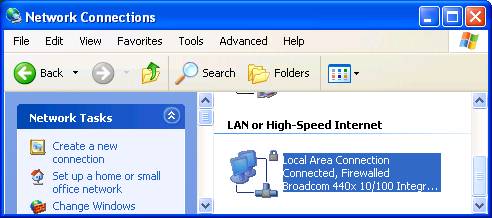
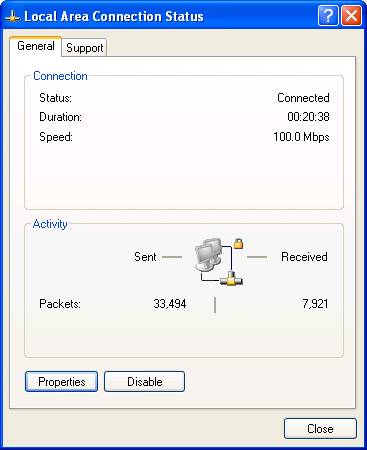
Go to Start menu, down to Settings and on to Control Panels. Double Click "Network Connections" Double Click "Lan or High Speed Connections":
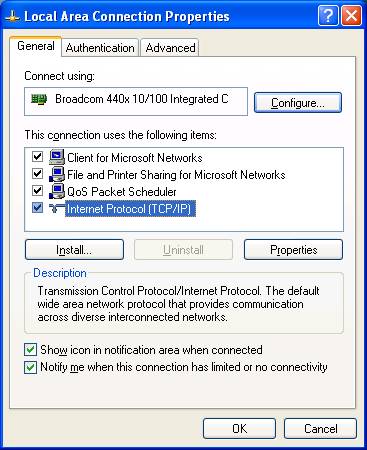
Click Properties:
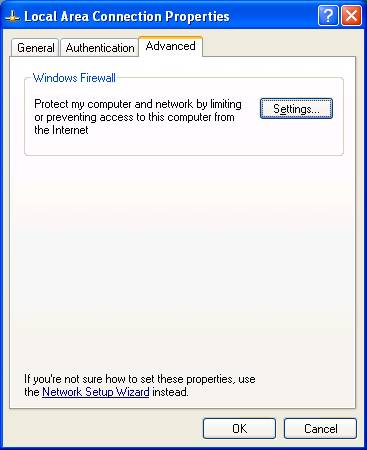
Click the Advanced Tab on the top right
Click ther "Settings" button
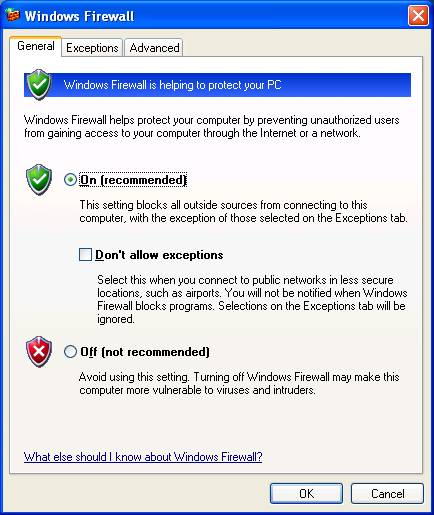
Ensure the On button is filled:
If you find problems with other applications suddenly develop, this may need to be switched to "off". I am assuming you want the higher security.
|